
Install Our New App
Our web portal (app.verifiedopinionstudies.com) provides a better user experience and more opportunities for rewards. But did you know you can save that site as an to your phone, just like a standard app from the Apple App Store or Google Play Store?
Here’s how to install it on your device:
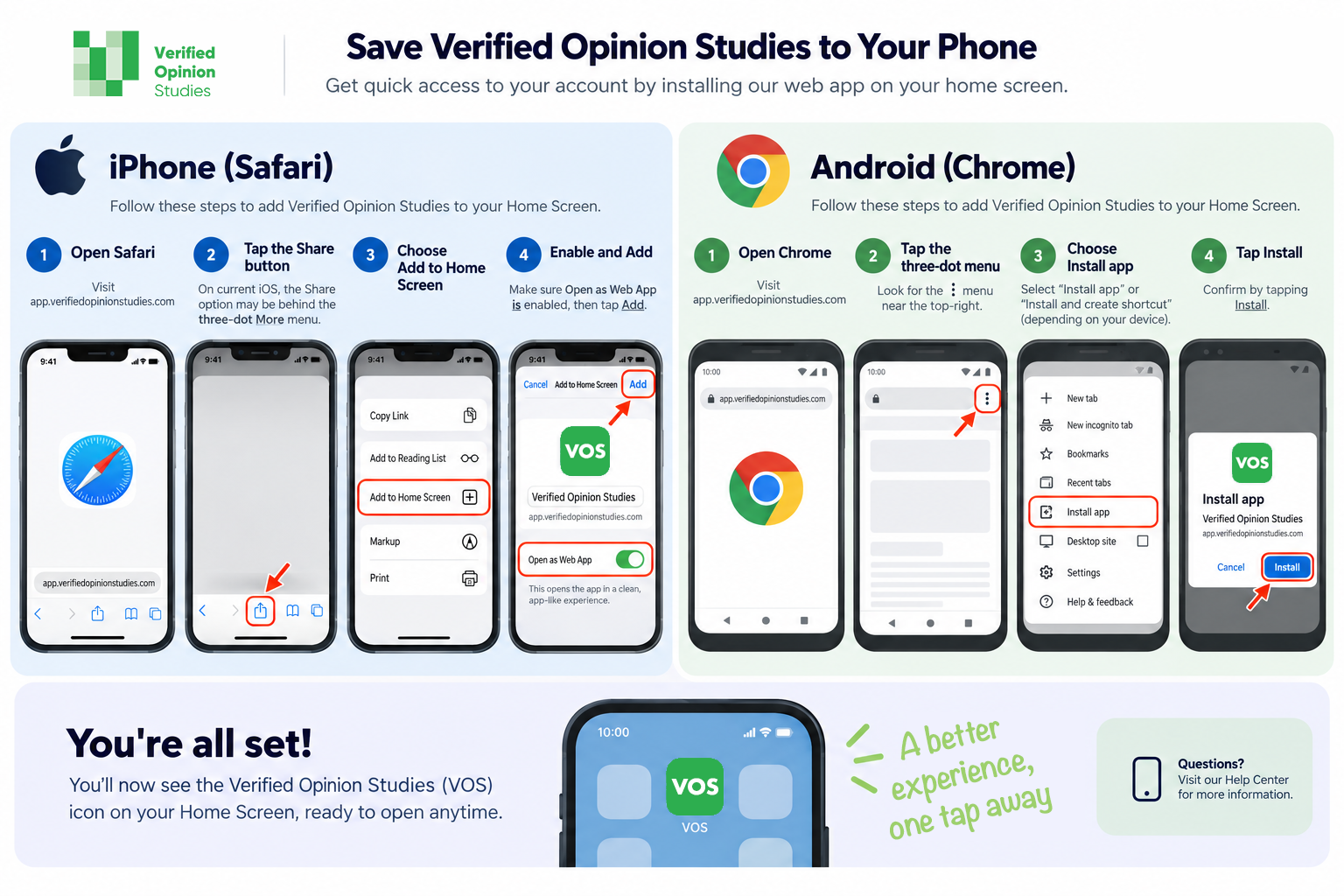
In case the image above doesn’t load or is difficult to read, here are text instructions:
On iPhone (Safari)
Open app.verifiedopinionstudies.com in Safari.
Tap the Share button (the square with the up arrow). If you don’t see it, tap the menu (⋯) button and then the Share button should appear.
Scroll down and tap Add to Home Screen.
Tap Add.
On Android (Chrome)
Open app.verifiedopinionstudies.com in Chrome.
Tap the menu (⋮) in the upper-right corner.
Tap Add to Home screen or Install app (the wording may vary by device).
Confirm by tapping Add or Install.
Once you’ve added it, you’ll see the Verified Opinion Studies icon on your home screen, making it easy to launch the app anytime—no app store required.